
Download B.VPN – Secure, Fast, Cross-Platform VPN with SmokeV2 Protocol for Windows, Mac, Android & iOS
B.VPN is a free-to-download, secure, and high-performance VPN software developed by iElement B.V. Designed for users who demand privacy, speed, and reliability, B.VPN offers robust online protection across multiple devices. With support for both OpenVPN and its proprietary SmokeV2 protocol, this tool stands out in regions with strict internet censorship like China and Iran.
Whether you're browsing, streaming, or working remotely, B.VPN ensures your data stays encrypted and your IP address hidden. Its one-click setup makes it ideal for beginners, while advanced users appreciate the flexibility of choosing between protocols. Available for Windows, Mac, Android, and iOS, B.VPN allows up to six simultaneous connections, making it perfect for families or remote teams.
While the free version offers solid performance, premium subscriptions unlock enhanced features and more server locations. Despite some limitations in server availability and a slightly higher price point than competitors, B.VPN remains a top choice for users needing to bypass internet restrictions.
Key Features of B.VPN – Why It Stands Out in 2024
B.VPN combines cutting-edge technology with user-friendly design to deliver a powerful privacy solution. At its core, the software leverages two distinct protocols: OpenVPN, a widely trusted standard known for its security, and the innovative SmokeV2 protocol, which is specifically engineered for speed and resilience. SmokeV2 is particularly effective in circumventing advanced firewalls, such as China’s Great Firewall (GFW), making it a vital tool for users in heavily restricted regions. Unlike many standard VPNs that struggle with disconnections or slowdowns in censored environments, B.VPN maintains stable, uninterrupted connections.
Another standout feature is its cross-platform compatibility. Whether you're on a Windows PC, Mac, Android smartphone, or iOS device, B.VPN delivers consistent performance. The app supports up to six devices at once, allowing users to protect their entire household or team with a single subscription. Installation is straightforward—just download the software from the official site, run the installer, and connect with a single click. No complex configurations are needed, which makes it accessible even for non-technical users.
B.VPN also emphasizes privacy. It doesn’t log user activity, ensuring that your online behavior remains confidential. The interface is clean and intuitive, with real-time connection status, server location indicators, and a kill switch to prevent data leaks if the connection drops. For those concerned about performance, B.VPN’s optimized servers reduce latency and increase download speeds. Additionally, the software receives regular updates to patch vulnerabilities and improve compatibility, ensuring long-term reliability.
Installation & Usage: How to Get Started with B.VPN
Getting started with B.VPN is quick and hassle-free. Begin by visiting the official iElement B.V. website and navigating to the download section. Choose the version that matches your operating system—Windows, Mac, Android, or iOS. The download is free, and the file size is optimized for fast installation without consuming excessive storage space.
Once downloaded, run the installer and follow the on-screen prompts. The setup process typically takes less than a minute. After installation, launch the B.VPN app.
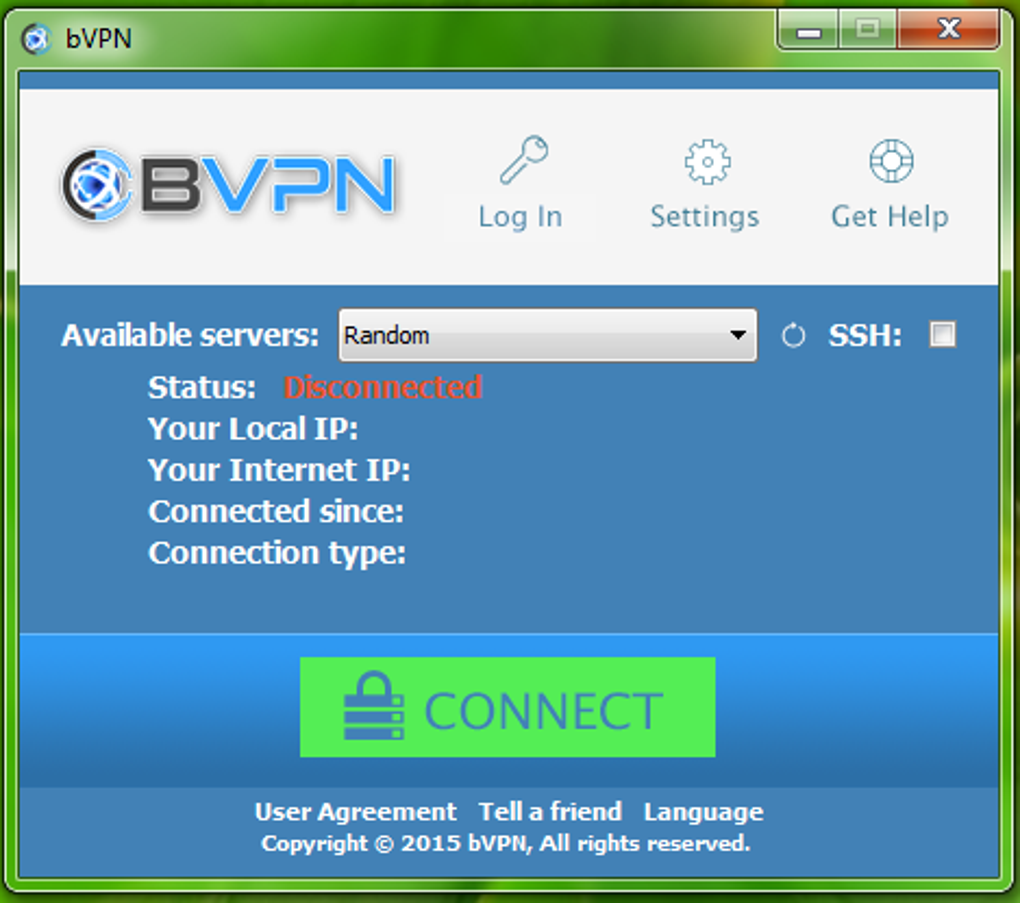
You’ll be greeted with a minimalistic dashboard showing available server locations and connection status. To connect, simply tap or click the “Connect” button. The app automatically selects the best server based on your location and network conditions, ensuring optimal speed and stability.
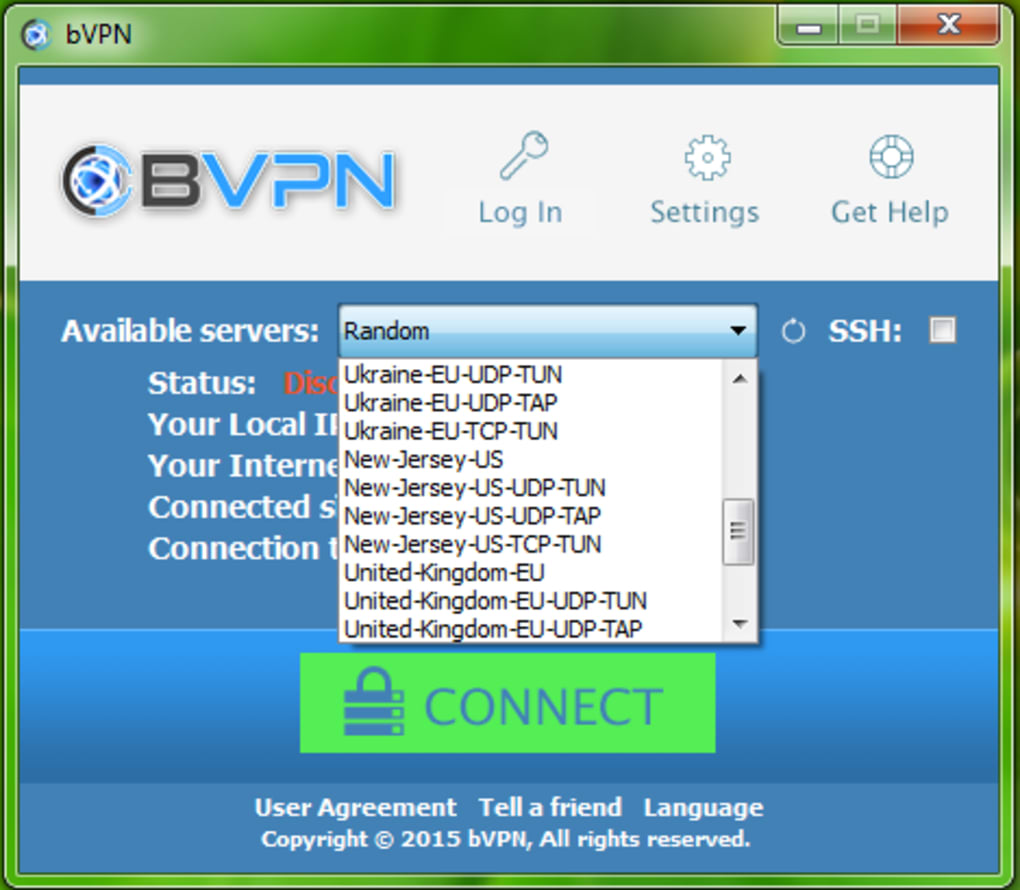
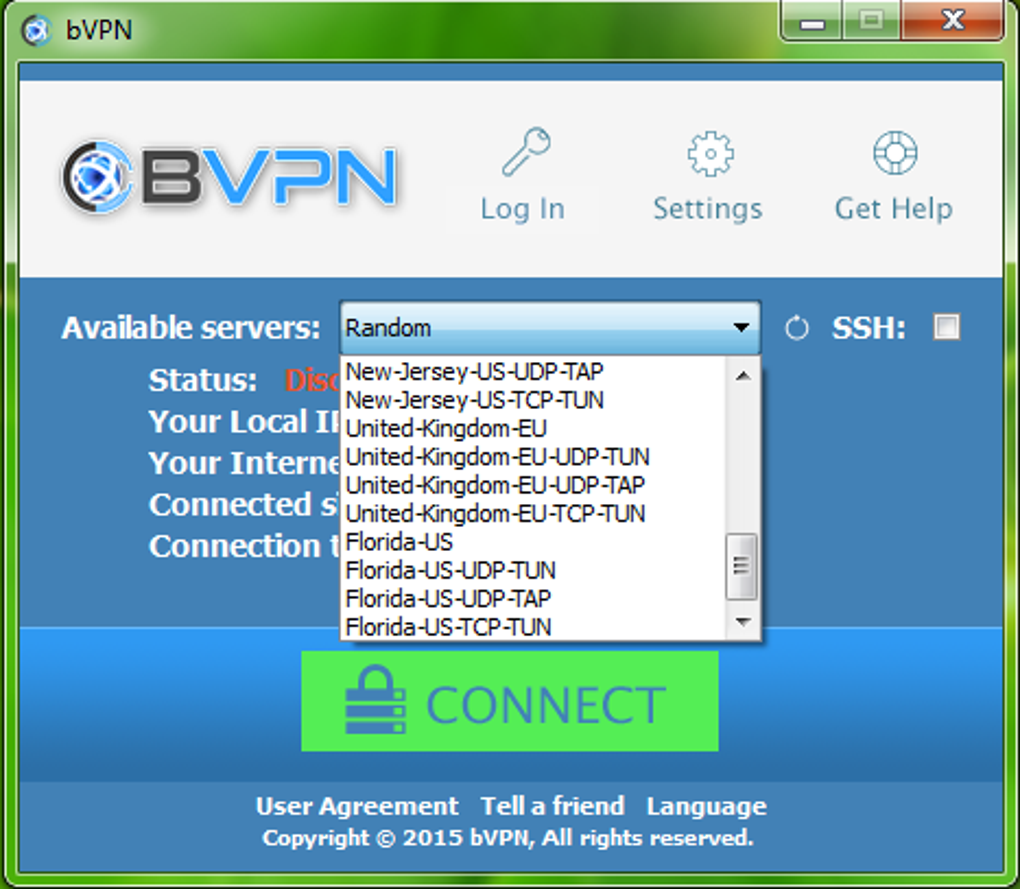
For users who want more control, B.VPN allows manual server selection. You can choose from available locations, including those in the US, Europe, and Asia, depending on your subscription tier. Advanced settings let you toggle the kill switch, enable DNS leak protection, and switch between OpenVPN and SmokeV2 protocols. The app also features an auto-connect option, which automatically activates the VPN when you join public Wi-Fi networks—ideal for travelers and remote workers.
One of the biggest advantages is the ability to use B.VPN on multiple devices simultaneously. After logging in with your account, you can install the app on up to six devices. This is especially useful for families or small businesses that need consistent protection across laptops, smartphones, and tablets. All devices remain synchronized, so your connection status is always up to date.
Compatibility: Works Across Windows, Mac, Android & iOS Devices
B.VPN is designed with universal access in mind. It supports all major operating systems, ensuring that users aren’t locked into a single platform. Whether you're using a Windows 10/11 PC, a MacBook with macOS Sonoma, an Android smartphone, or an iOS device, B.VPN delivers a seamless experience.
On Windows, the app integrates smoothly with the system tray, allowing quick access to connection controls. It’s compatible with both 32-bit and 64-bit versions and runs efficiently without slowing down your machine. On Mac, B.VPN uses native system integration, ensuring smooth performance and minimal battery drain. The macOS version includes support for Apple Silicon (M1/M2) chips, making it fast and energy-efficient.
For mobile users, the Android and iOS apps are optimized for touch interfaces. The mobile versions include a dedicated “Quick Connect” button, battery-saving modes, and background operation without compromising security. The apps also support biometric login (Face ID, Touch ID, fingerprint), adding an extra layer of convenience and safety.
Despite its broad compatibility, users should note that B.VPN currently offers a limited number of server locations. While it covers key regions like the US, UK, Germany, and Japan, there are no servers in South America or Africa. This may be a drawback for users seeking geo-specific content access. However, for those in high-censorship zones, the available servers are sufficient and well-optimized for performance.
Pros & Cons of B.VPN – Honest Review for 2024
- Pros:
- Proprietary SmokeV2 protocol excels at bypassing the Great Firewall of China
- One-click connection with intuitive interface
- Supports up to six simultaneous device connections
- Strong privacy policy with no user logging
- Regular software updates for security and performance
- Available for Windows, Mac, Android, and iOS
- Cons:
- Limited server locations compared to top-tier competitors
- Pricing is higher than average for the feature set
- Free version has limited server access and speed
- No dedicated customer support chat or live help
- Server availability in certain regions is inconsistent
Frequently Asked Questions (FAQ)
- Is B.VPN safe to use for online privacy?
- Yes, B.VPN is safe. It uses strong encryption protocols, doesn’t log user activity, and includes a kill switch to prevent data leaks. The app is regularly updated to address security vulnerabilities.
- Can I use B.VPN on multiple devices at once?
- Yes, B.VPN allows up to six devices to be connected simultaneously under a single account. This includes Windows, Mac, Android, and iOS devices.
- Does B.VPN work in China?
- Yes, B.VPN is specifically designed to work in China. Its proprietary SmokeV2 protocol is optimized to bypass the Great Firewall (GFW) and maintain stable connections.
- Is there a free version of B.VPN?
- Yes, B.VPN offers a free version with limited server access and speed. However, full access to all features and servers requires a paid subscription.
- How often does B.VPN release updates?
- B.VPN releases updates regularly—typically every 4 to 6 weeks—to improve performance, fix bugs, and enhance security.
Final Verdict: Is B.VPN Worth It in 2024?
B.VPN is not the most affordable or feature-rich VPN on the market, but it excels in a very specific niche: bypassing internet censorship in countries like China, Iran, and others with strict online controls. If you're a resident in such regions or frequently travel to them, B.VPN’s SmokeV2 protocol makes it one of the most reliable tools available. Its ease of use, strong encryption, and multi-device support add significant value.
However, if you're looking for a general-purpose VPN with a wide range of server locations, competitive pricing, or 24/7 live support, you might want to consider alternatives like NordVPN or ExpressVPN. Still, for users whose primary need is stability and access in censored environments, B.VPN is a solid, secure, and trustworthy choice.
Ready to protect your online privacy and bypass restrictions? Download B.VPN today and experience fast, secure, and reliable connectivity across all your devices.







